How to Create an NKSD Family Portal Account when Brand New to the District
Welcome to the North Kingstown School District!
We are thrilled to welcome your family to our district! At NKSD, we are dedicated to fostering an inspiring, inclusive, and academically rich environment where every student can thrive. We look forward to partnering with you on your child's educational journey.
Getting Started with Student Registration
New student registration is completed through our secure Aspen Student Information System.
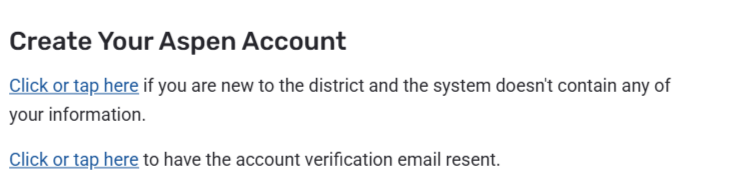
If you do not currently have a child enrolled in NKSD schools, you can create a new account using either a mobile device or a computer:
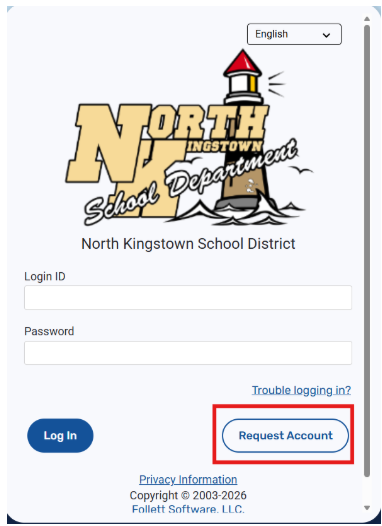
Account Creation Steps
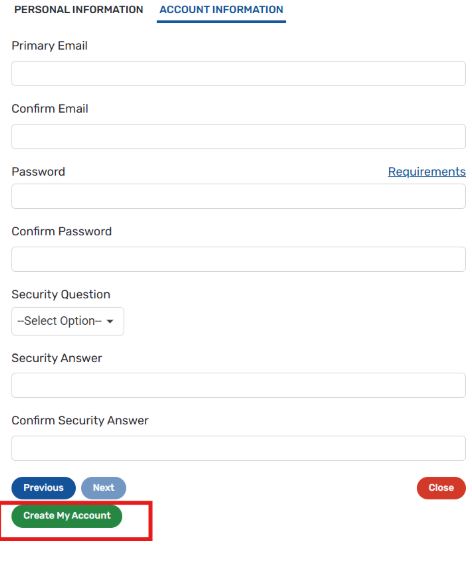
Clicking Request Account will guide you step-by-step through setting up your account profile. The system will check the email address you provide to ensure no duplicate accounts exist.
You will be asked to complete two quick sections:
Personal Information (Your contact details)
Account Information (Creating your security credentials)
Once your account is set up, you will be able to complete and submit your student's registration forms directly online.
If you experience any difficulties during registration, please contact our support team at aspenhelp@nksd.net.